ASIT
/
Tutorial
How to Use ASIT
A complete guide to aeronautical obstacle analysis — from airport setup to PDF report, in under five minutes.
A complete guide to aeronautical obstacle analysis — from airport setup to PDF report, in under five minutes.
Six steps from data to decision
←→ keyboard navigation · click any step to jump
Use the arrows or click a step above to navigate. Each slide covers one stage of the analysis workflow.
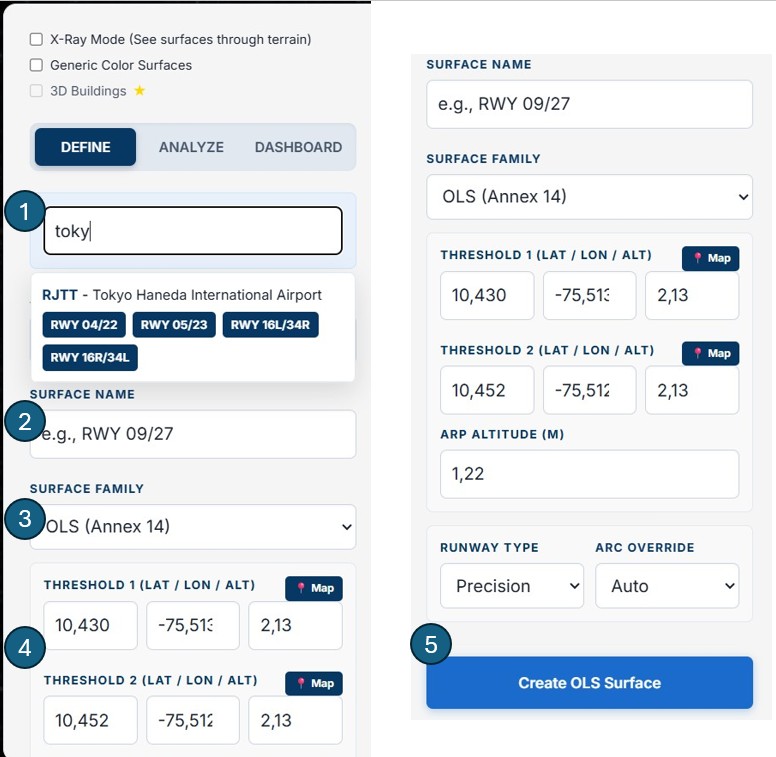
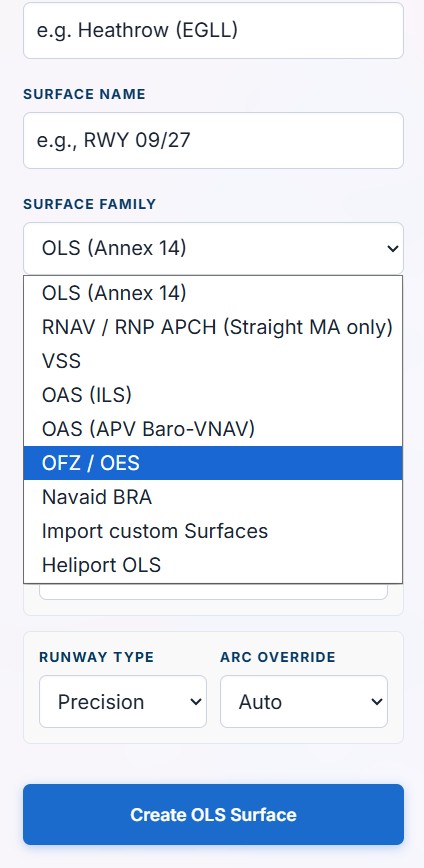
ASIT evaluates obstacles against surfaces defined in Orthometric Height (MSL) —
the standard for all ICAO aeronautical data. All obstacle altitudes must be entered as absolute
altitude above MSL,
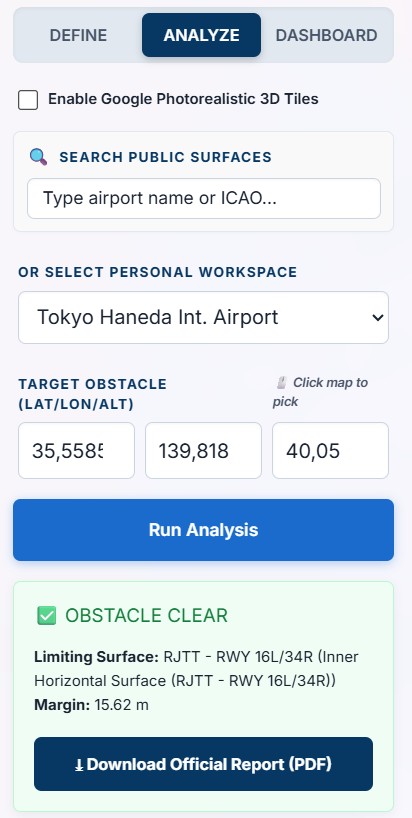
not as height above ground level. When using the embeddable widget, clicking on the map auto-fills the
terrain elevation
at that point, which you then add your obstacle's height above ground to.
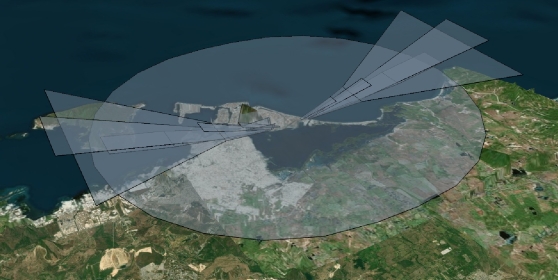
Note on 3D visualisation: you may notice a small vertical offset between the 3D terrain
mesh and the generated surfaces.
This is due to the difference between WGS84 (GPS ellipsoid) and MSL (geoid) — called Geoid Undulation — and
is purely visual.
All analysis results are geometrically correct.
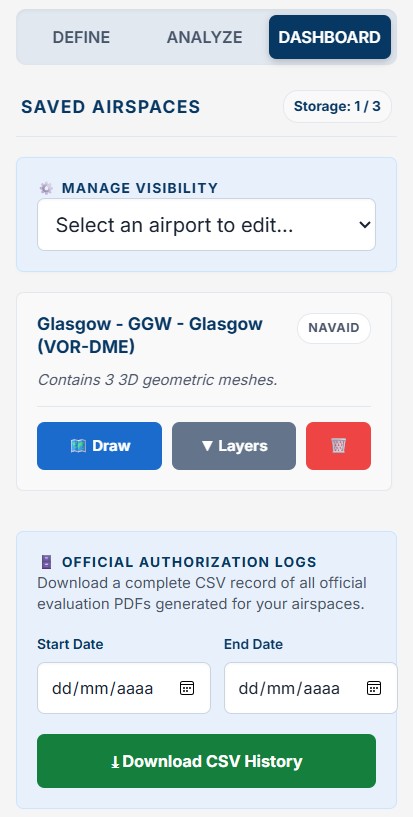
Your subscription allows you to manage one active airport at a time. Need to analyze a different site? Simply export your data, clear your dashboard, and start fresh with a new aerodrome — giving consulting firms ultimate flexibility under a single €100/month plan.
Are you a company looking to integrate ASIT into your workflow? Our team will walk you through the platform live — covering airport setup, surface generation, obstacle analysis and report generation.
This video covers the full ASIT workflow — airport setup, surface generation, obstacle analysis and PDF report download — in one continuous demonstration.
ASIT is designed for technical users who need reliable, standards-compliant results — fast.
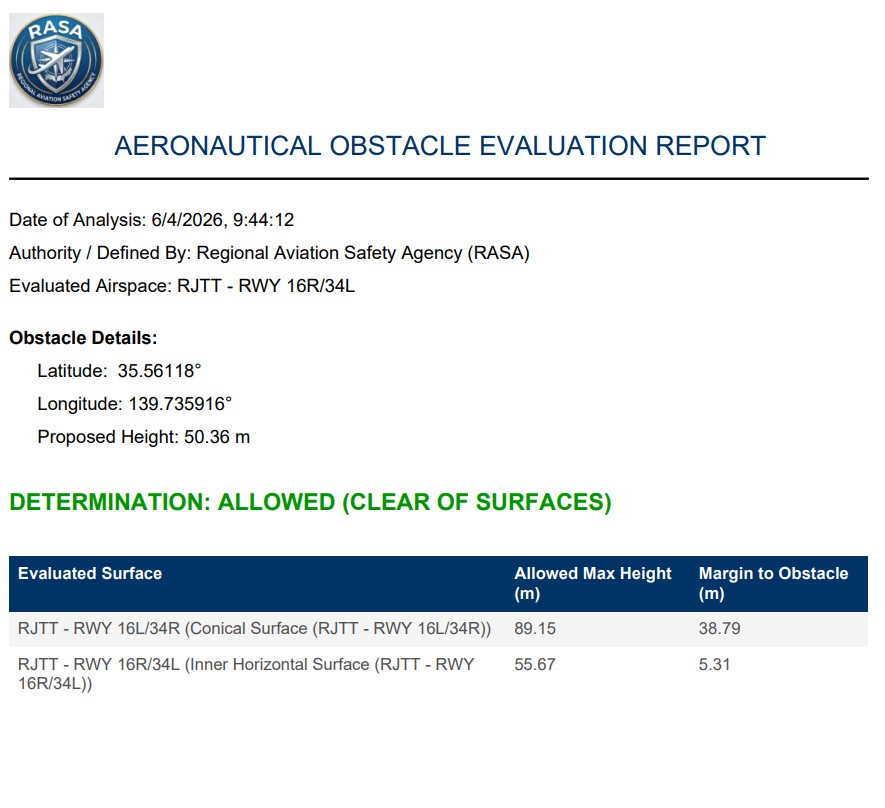
Run complete aerodrome safeguarding studies and instrument procedure designs in a fraction of the time of manual methods. Professional PDF output ready for authority submission.
Premium plan →Automate height clearance decisions. Embed the obstacle analysis widget directly on your authority website — applicants get instant results without your team handling every query manually.
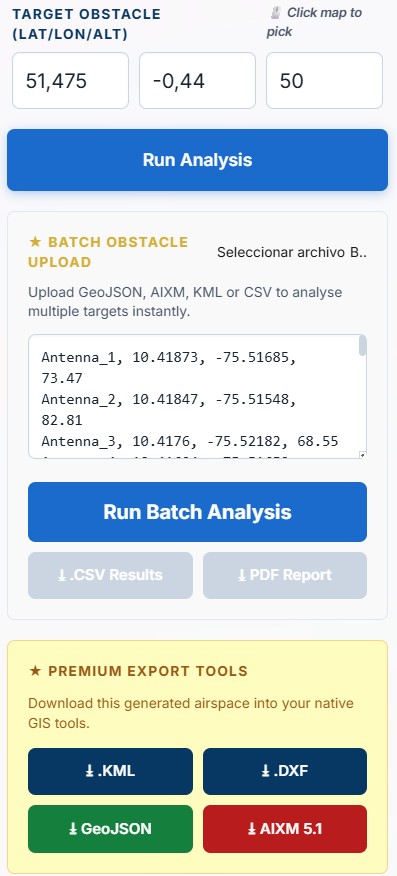
Authority plan →Upload a CSV of hundreds of turbine positions and evaluate every one against airport OLS and OAS surfaces in a single batch. Get the aeronautical impact report before submitting to the planning authority.
Batch analysis — Premium →No installation. No login required. Browser-based and free to start.